What's new ·
Mine + unassigned: your conversations and the unassigned ones in the same list
With one click on Mine, the list and Kanban also show conversations that arrived without an assignee. A suggestion from the NEOOH team.
By Lucas Marchon, Founder at BrainChat
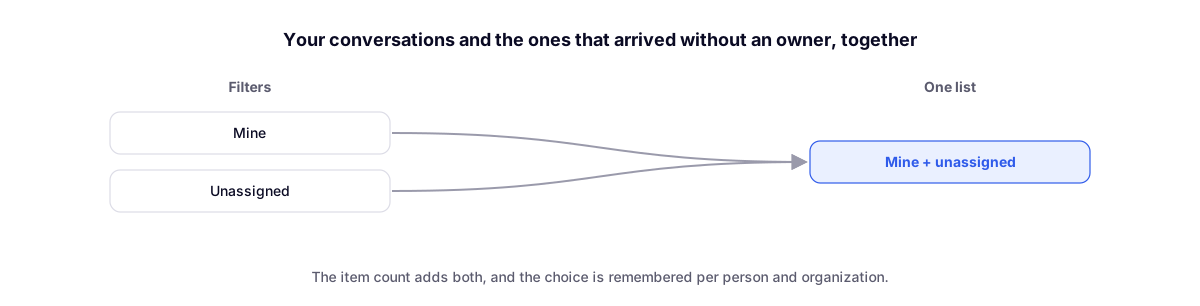
In many operations, nobody distributes conversations: whoever is free grabs the next one that arrives. To work this way, agents had to switch between Mine (what is already theirs) and Unassigned (what is waiting for someone). Now both fit in the same list.
How to use
- In Conversations, click on Mine in the left menu.
- Next to the number, a small + button with a person icon appears. Click on it.
- The button turns pink and the list starts showing your conversations and the ones that don't have an assignee yet.
To go back to seeing only yours, click the button again.
What changes when it's on
- The item count adds both: your conversations plus the unassigned ones.
- Works in the list and in the Kanban. On the board, unassigned conversations appear alongside yours in each column; dragging one of them to Open automatically claims the conversation.
- Other filters still apply: search, tags, departments, agents, and channels.
- It is remembered per person and per organization: the next time you open Mine, it will already be turned on.
When the button appears
Only where the Unassigned item exists. If the channel uses the mode where each agent sees only their own conversations, unassigned ones don't show up for them, and the button won't either.
Where it came from
The idea came from the NEOOH team, who operates using a free queue and asked to see their own work and what just arrived without switching tabs. We tell the story on the blog.
Complements
- Conversation Kanban: conversations by stage, now also with unassigned ones alongside yours.
- New conversation inbox with status and departments: where Mine and Unassigned were born.