What's new ·
Response deadlines in WhatsApp Conversations
Set the first-response deadline and closing deadline per channel, including or excluding business hours, and track them in the supervisor and Studio.
By Lucas Marchon, Founder at BrainChat
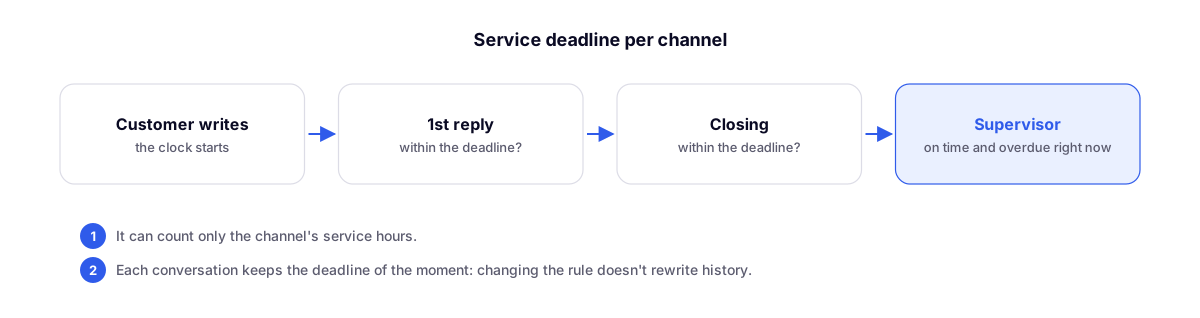
Each WhatsApp channel now has its own response deadlines, and the supervisor shows which ones were met and which ones were missed.
Where to configure
In the Conversations gear icon, under the Deadlines tab:
- 1st response deadline, in minutes or hours (defaults to 10 minutes);
- AI agent response counts as 1st response, if you wish;
- Closing deadline, in hours;
- Count business hours only: nights, weekends, and closed days are excluded, based on the schedule in the Business Hours tab and the channel's timezone.
Channel owners, administrators, and organization leadership can make adjustments.
Where to track
- Supervisor (Metrics): 1st response on time, Closed on time, and Overdue now.
- Studio: the Conversations table now includes Within SLA and SLA score so you can build your dashboards.
Each conversation saves the deadline rule that was active at the time: changing the rule later does not rewrite history.
Related updates
- E-mail: caixa pessoal, prazos, juntar chamados e métricas no supervisor: email deadlines, configured in the same settings.
- Kanban das conversas: conversations by stage.