What's new ·
Landing page click map
See directly on the page where people click, how much of each section was viewed, and how far they scroll, by device. Plus, conversions sent to Meta are now more accurate.
By Lucas Marchon, Founder at BrainChat
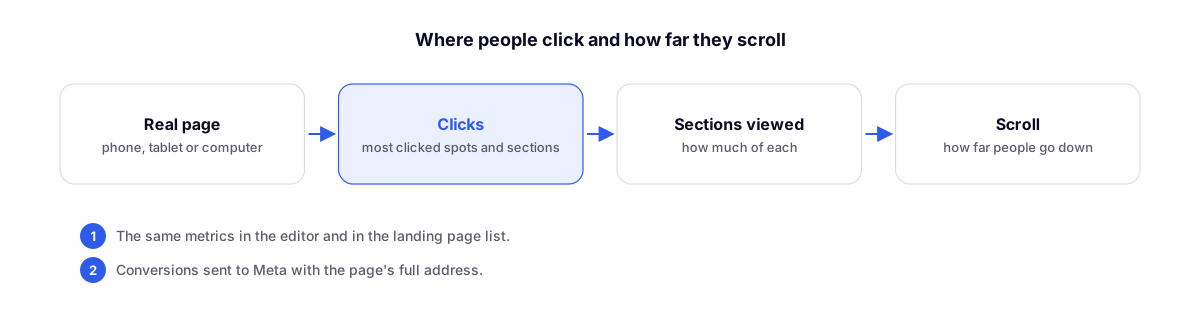
Landing page metrics now feature the click map: your actual designed page, with the exact spots where people clicked.
What the map shows
- Clicks as points on the page, in red where they are most frequent.
- Each section with a label showing how much it was viewed and how many clicks it received.
- Scroll lines showing how far down people scroll.
- Device: all, mobile, tablet, or desktop, to view the page as each audience sees it.
Alongside the map, you'll find the sections, buttons, and most-clicked links, scrolling data, views and clicks per day, devices, and traffic sources. The same panel opens in the editor (Metrics tab) and in the metrics window of the landing pages list.
Conversions for Meta
Conversions sent to Meta via server now include the full page URL. Pages with tracking turned off send nothing, and pages with their own Pixel (different from the organization's) do not send data via server to avoid duplicate counting. In Domain and Privacy, the Meta Test Code field helps verify events in Events Manager (delete it after testing).