What's new ·
Organization with multiple numbers in one place
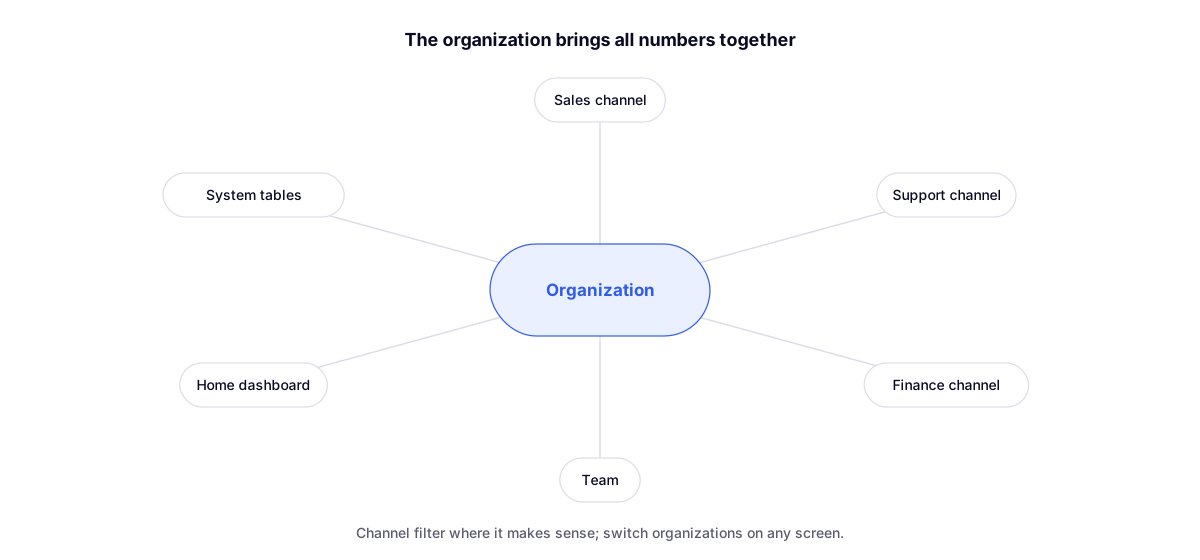
The organization now brings all its channels together: team, home dashboard, and system tables display the numbers together, with filtering by channel.
By Lucas Marchon, Founder at BrainChat
Anyone with more than one WhatsApp number used to manage each one separately. Now the organization sits above the numbers, bringing together the team, metrics, and data.
What changed
- Team: all organization members in a single list, showing the numbers each person has access to.
- Home dashboard: a view of the entire organization, with filtering by channel.
- System tables appear just once, with the channel as a column inside the table.
- Organization switching on any screen, including mobile.
What belongs to the organization
Today, tables, Flows, agents, Studios, and pages belong to the organization rather than a specific number. A flow can look up contacts across all channels without needing a separate copy per number.
Released later
- Share button across all assets and clearer permissions: permissions per organization item.
- Unified inbox and channel transfer: multiple numbers in the same Conversations list.