What's new ·
Support-only screen for operators
Operators jump straight into conversations without the rest of the system and only see their own support interactions.
By Lucas Marchon, Founder at BrainChat
People who only handle support don't need to see settings, tables, and dashboards. They need a simple screen focused on their own conversations.
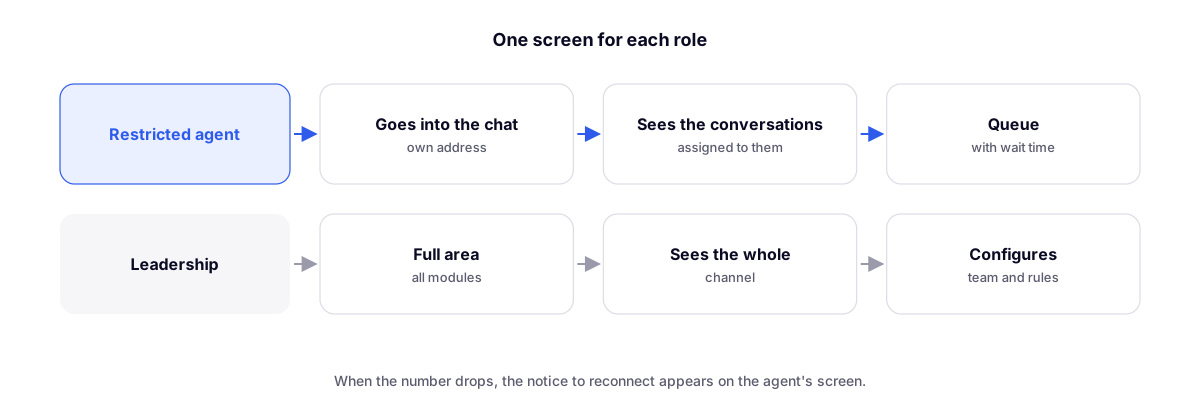
What the operator gets
- Dedicated chat address, going straight to conversations without the rest of the system.
- The restricted operator only sees conversations assigned to them.
- The Queue shows unassigned conversations along with the waiting time for each.
- When a WhatsApp connection drops, a reconnection warning appears right on the screen.
Why separate them
Fewer on-screen options mean fewer mistakes and less training required. Plus, data from other support interactions stays out of reach for those who don't need it.
Complements
- Team with area-based permissions: what each person can access.
- Login for dedicated or shared computers: sessions that end when the browser is closed, built for support workstations.