What's new ·
Easier-to-setup and more accurate AI agents
Visible conditions in the builder, duplicate check directly on screen, builder assistant that sets up the agent, and step-by-step follow-up.
By Lucas Marchon, Founder at BrainChat
An agent that creates incorrect or duplicate records causes more work than it saves. This update makes the configuration clearer and the agent more careful when taking action.
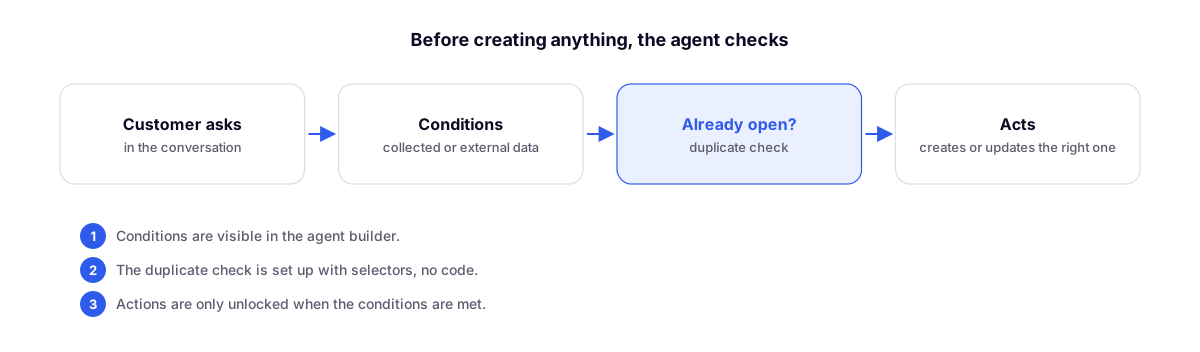
Always visible conditions
In the builder, each action displays the conditions required for it to be used. For each condition, choose whether the data comes from the conversation (what the customer said) or externally (a table, a contact field).
Duplicate check
Before creating a record, the agent checks if there is already an open one for that customer. The rule is built using selectors, with no code required. Example: "do not open a new ticket if there is already one with In progress status for this phone number."
Builder assistant
Describe what the agent should do. The assistant knows your tables, tags, and actions, and proposes adjustments without deleting what is already configured.
Step-by-step follow-up
The agent resumes the conversation in steps when the customer stops responding, and actions are only unlocked when conditions are met.
Related
- AI Agents: Test Lab and cleaner transfer: test before going live.
- AI Assistants that build tables, Studios, Flows, and pages: the assistant in other modules.