What's new ·
Email templates with a visual editor and delivery metrics
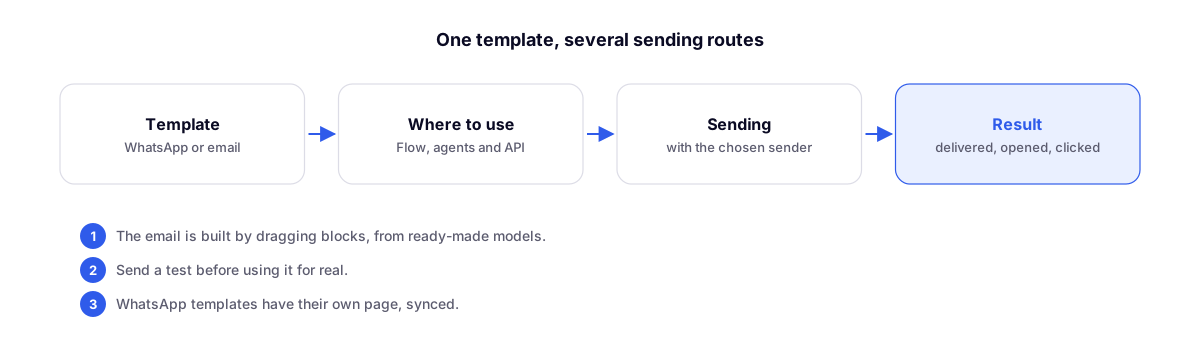
Create emails by dragging blocks, using ready-to-use templates, and use them in Flow and the API with delivery, open, and click tracking.
By Lucas Marchon, Founder at BrainChat
WhatsApp messages and emails now live in the same place—Templates—and can be used across all automations.
Visual email editor
- Build your email by dragging blocks: text, image, button, columns.
- Start from a gallery of ready-to-use templates or from scratch.
- Send a test before going live.
Where to use
| Where | For what |
|---|---|
| Flow | Send an email or WhatsApp message in an automation step |
| AI Agents | Send a template during a customer interaction |
| API | Trigger from another system |
In all of them, you choose the sender.
Results for each send
Every email shows whether it was delivered, opened, and clicked.
WhatsApp templates
They now have their own dedicated page, featuring an initial gallery and synchronization with approved templates.
Available on Advanced and Enterprise plans.
Related updates
- Email as a support channel in Conversas: launched on the same day.
- Message templates for WhatsApp: the first templates.