What's new ·
Customizable organization home screen
Owners and admins build the home screen with widgets and blocks, and each person sees only what was designed for their audience.
By Lucas Marchon, Founder at BrainChat
The home screen used to be the same for everyone. Now, the organization builds its own: numbers that matter to each area, announcements for the team, and shortcuts, with each person seeing only what was designed for them.
How to build
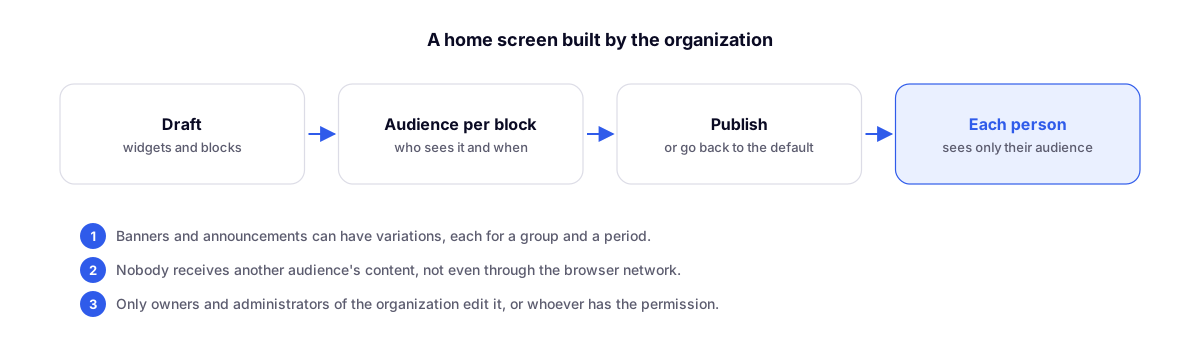
- Open the home screen editor. It starts as a draft, featuring the blocks from the default screen.
- Add Studio widgets (charts, tables, numbers) and the default screen blocks, such as live, map, and totals.
- Define who sees each block and, if you want, when.
- Publish. If needed, revert to the default screen at any time.
Banners and announcements with variations
A banner can have different versions, each with its own audience and timeframe. Show only the first one that matches the person or alternate between them in a carousel. No one sees two stacked banners or another group's announcement. In the editor, you can see how many people each version reaches.
Who edits
Organization owners and admins, or anyone granted permission to edit the home screen. Channel admins cannot edit.
Complements
- Home dashboard with support metrics: the default screen that remains available.
- Studio with chart drill-down and single widget editor: the same widgets used here.