What's new ·
Studio with chart drill-down and unified widget editor
Studio charts drill down with a single click, all widgets use the same editing window, and values match the table.
By Lucas Marchon, Founder at BrainChat
A dashboard shows the total, but the next question is always "where does this number come from?". Now the chart itself answers that.
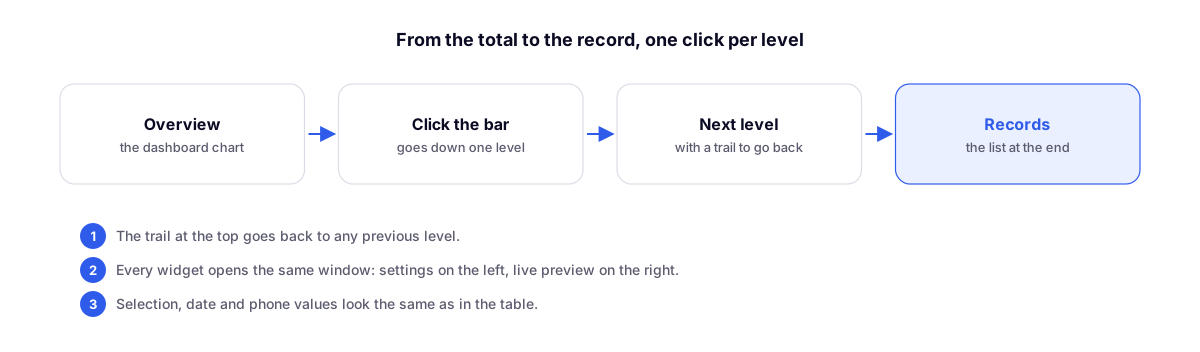
Drill down with one click
- Click a bar or slice to drill down a level, for example from sales by month to sales by salesperson in that month.
- The breadcrumb at the top takes you back to any previous level.
- At the final level, the list of records that make up the number appears.
One editor for all widgets
Every widget opens the same window: settings on the left and live preview on the right. Column order and visibility apply across all views, and selection, dates, and phone numbers appear exactly as they do in the table.
Also in this update
- Portals with email and password can edit records through the Table.
- The "records created by logged-in user" filter is more precise.
- Dashboards adapt better to screen width.
Complements
- Studios: more complete charts and Read/Edit mode: the chart types that now support drill-down.
- Customizable organization home screen: the same widgets on the home screen.