What's new ·
Privacy Center with consent banner
Set up your cookie and consent notice once and apply it across all your public pages.
By Lucas Marchon, Founder at BrainChat
Every public page needs to notify users about cookies and ask for consent, and setting that up page by page is easy to forget. The Privacy Center centralizes this configuration.
How it works
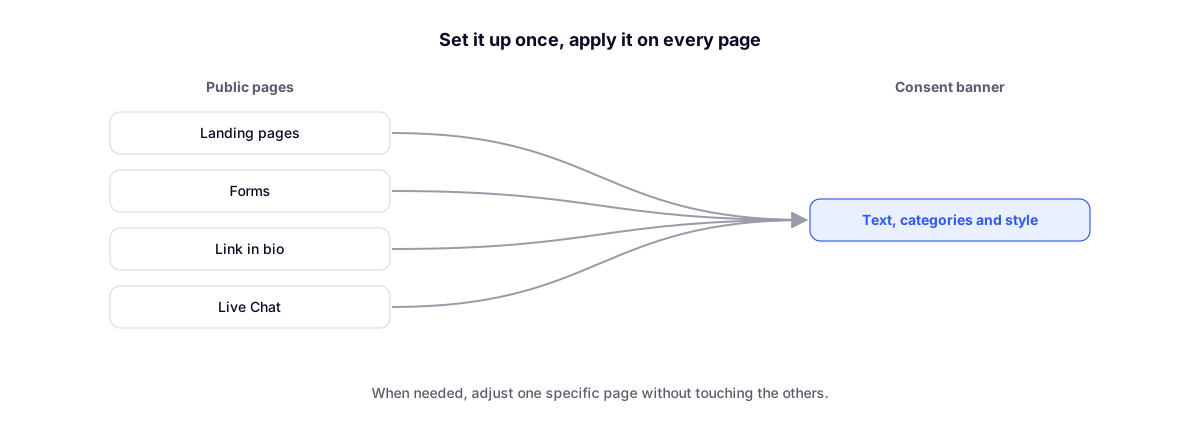
- Set up the consent banner once: text, cookie categories, and styling.
- It applies to landing pages, forms, link in bio, and Live Chat.
- If a page needs something different, adjust just that page.
Why it matters
Privacy regulations require visitors to know what is collected and to be able to choose. A single, well-configured banner prevents pages from being published without a notice.
Complementary features
- Landing pages with custom domains: the pages that receive the banner.
- Live Chat to support visitors on your website: the banner also appears on the website chat.